

- Developer
- Installs
- 1B+
- Downloads
- 13
- Views
- 30
- Updated
- Oct 25, 2026
Screenshots



About Pinterest
Pinterest is a visual discovery app, closer to a digital scrapbook than a traditional social network. Instead of following friends, most people use it to collect ideas: recipes, outfits, garden layouts, craft projects, travel plans and ways to redecorate a room. This guide explains how the Android app works and how to use it in a focused, productive way.
The basics: Pins and boards
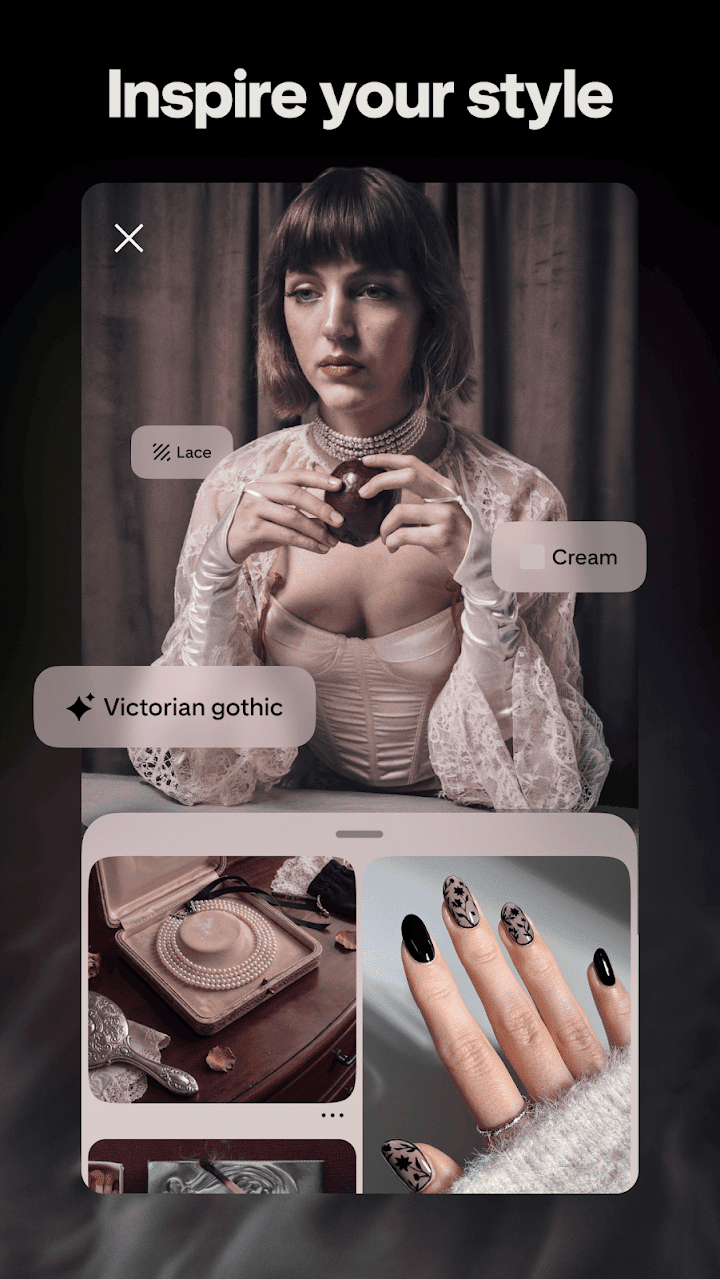
A Pin is a saved image or video that links back to its source, such as a recipe blog, a shop or an article. You organise Pins into boards, which are like themed folders. You might keep one board for dinner ideas, another for a small-balcony garden and another for a wedding or a home renovation. According to the publisher, you can also make collages from your inspiration, which is helpful when you want to combine colours, furniture and textures into a single concept.
Finding ideas
The publisher highlights ideas ranging from fashion tips and easy recipes to DIY projects and fresh ways to redo your space. Searching for a topic returns visual results, and the more you save, the more relevant your recommendations become. This makes Pinterest useful for projects where you are not sure exactly what you want yet and need to see options before deciding.
Shopping and learning
The app lets you shop styles you love, and many Pins link directly to products or tutorials. If you are learning something new, such as knitting, baking or basic woodworking, saved tutorials on a board give you an organised reference list. When you click through to a shop, check the seller and return policy, just as you would with any online purchase.
Who it suits
Pinterest suits planners and creative people: home decorators, students collecting references, parents planning parties, bloggers, small business owners looking for inspiration and anyone gathering ideas for a future project. It is less suitable if you want live conversation or news updates.
Tips for better use
Give boards clear names so you can find things later, and use secret boards for gifts or surprises. Visit the original source before relying on a recipe or DIY instruction, because a Pin is only a preview. Trim your home feed by hiding Pins you do not like so recommendations improve. Curate regularly; a smaller set of well-organised boards is more useful than hundreds of forgotten Pins.
Privacy
Decide whether your boards are public or private and review your profile visibility. Be careful with links to unknown sites and avoid entering payment details on pages that look suspicious.
Downloading it safely
Installation files are not stored on AppKhojo. The Download button sends you to the official Google Play listing, where you can check the latest version, permissions and reviews. The app is free to install.
Bottom line
Pinterest is an excellent tool for gathering and organising inspiration. If you treat it as a planning notebook rather than an endless scroll, it can make projects clearer and more enjoyable.