

- Developer
- Snap Inc
- Installs
- 1B+
- Downloads
- 9
- Views
- 29
- Updated
- Oct 25, 2026
Screenshots

About Snapchat
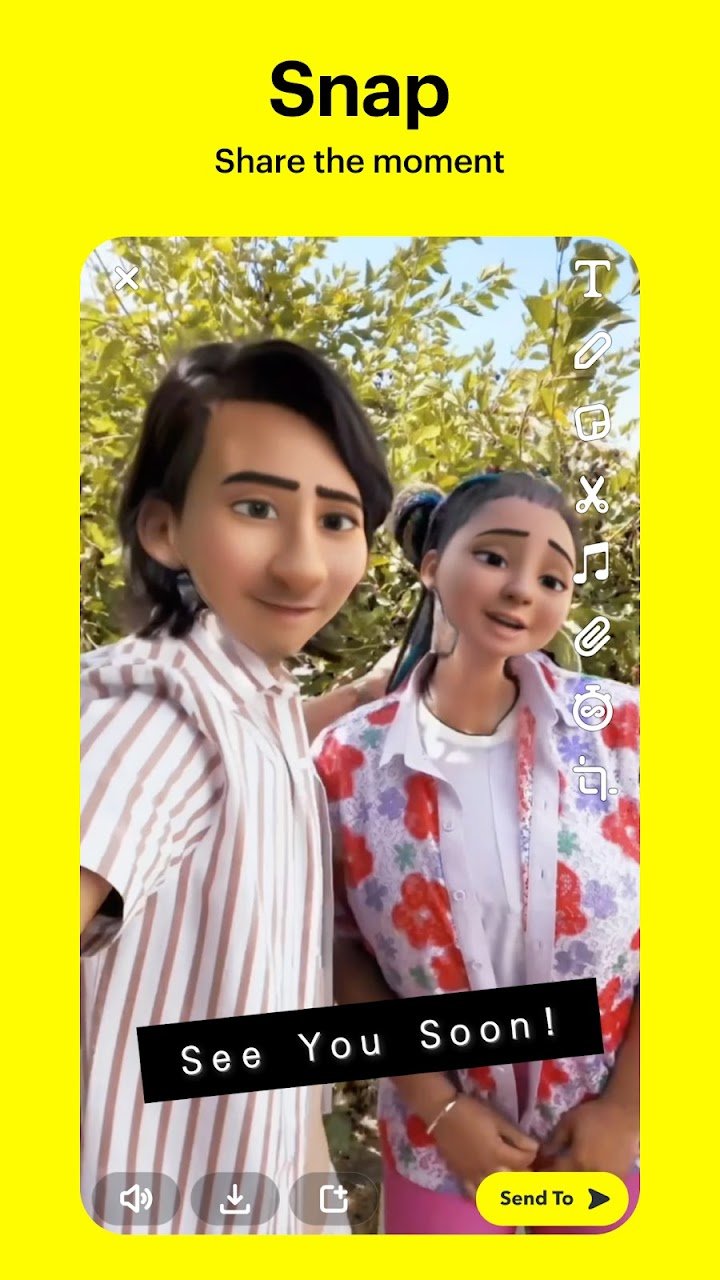
Snapchat is built around the camera. Instead of opening to a feed of text, the app opens straight to a camera screen so that you can take a photo or hold the button to record a video and send it to a friend within seconds. That design makes it popular for quick, casual conversations that feel closer to showing someone what you see than writing a message. Here is a clear look at what the Android app includes and how to use it sensibly.
Snaps and chat
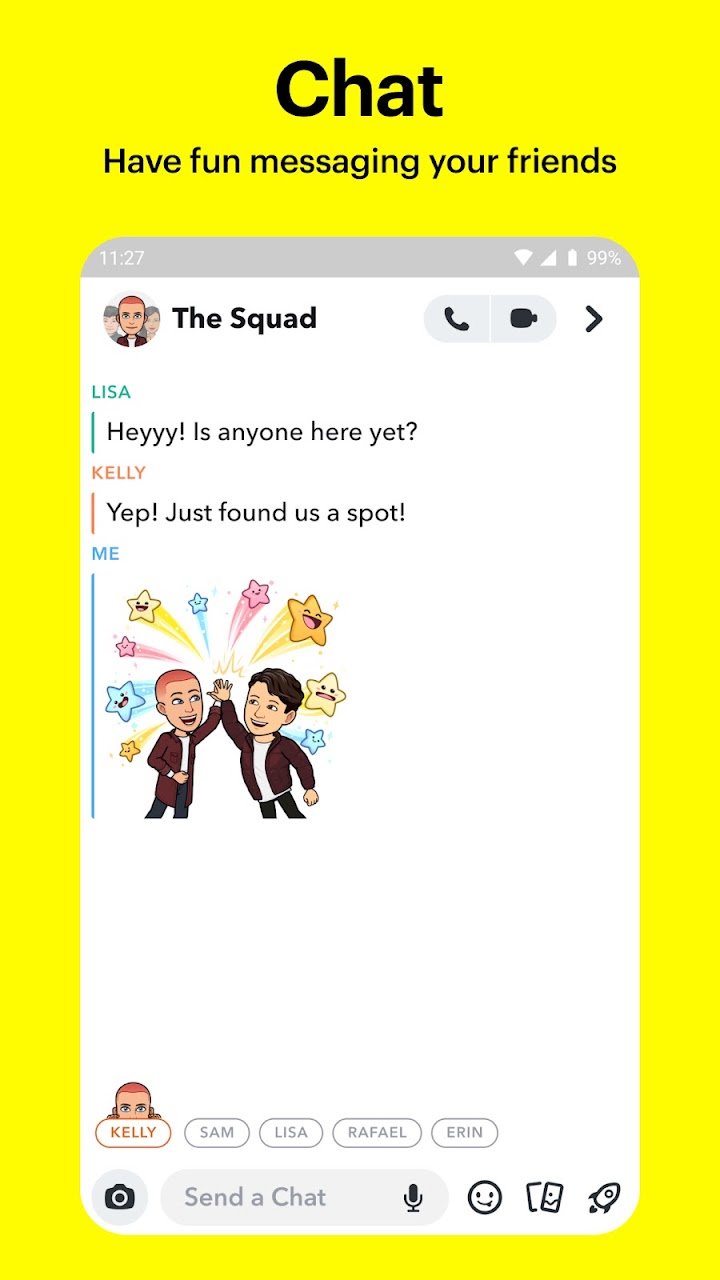
You can tap for a photo or press and hold for video, then add Lenses, filters and Bitmoji avatars before sending. New Lenses are created by the Snapchat community and appear regularly, so the camera effects change often. Beyond picture messages, the Chat area supports live messaging and group conversations, and the publisher states that video chat can include up to 16 friends at once with Lenses and filters still available. Friendmojis are special Bitmoji designed for you and one friend.
Stories and Spotlight
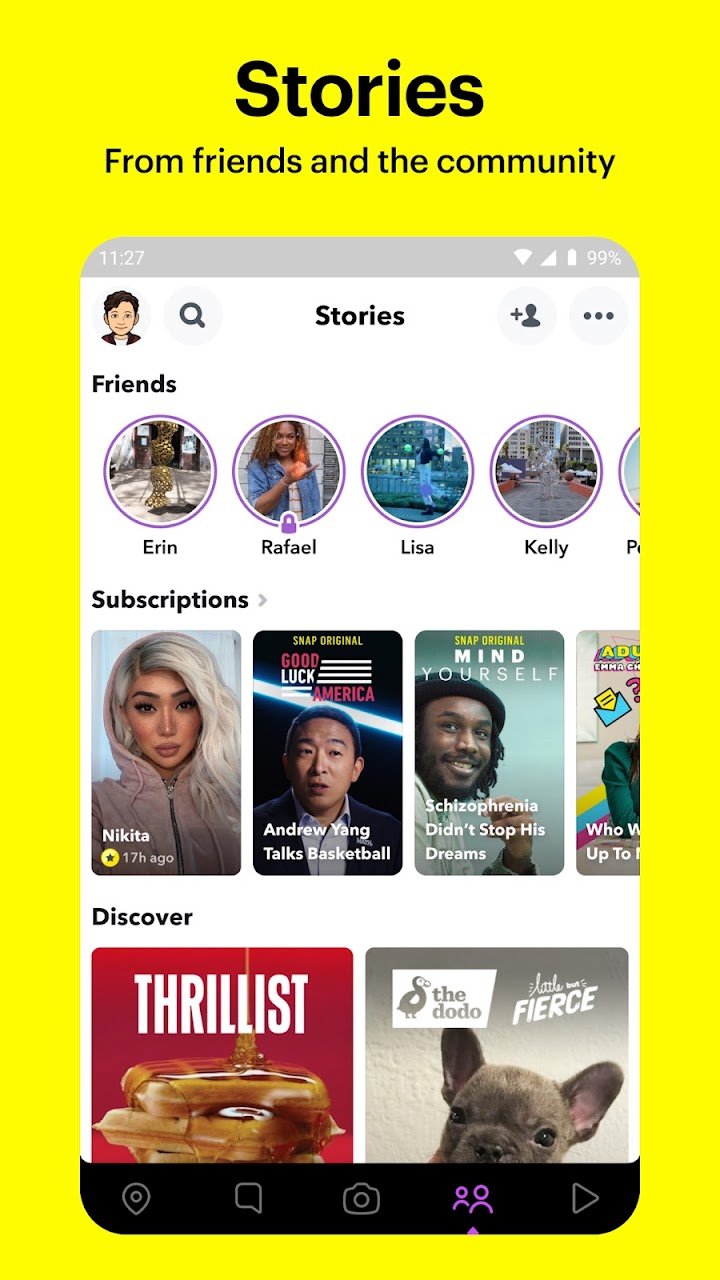
Stories let you share your day with friends in a sequence that people can watch, and you can create Group Stories with shared contributions. You can also watch Stories from the wider community based on your interests, and the app mentions breaking news and original shows. Spotlight is the section for public short videos: you can submit your own Snaps, watch what others have made and share favourites with friends.
Snap Map and Memories
Snap Map lets you share your location with chosen friends and see what they are doing when they share with you. A feature called Ghost Mode lets you hide your location whenever you want, and it is worth checking this setting immediately after installing so that you are only visible to people you intend. Memories saves your photos and videos so you can edit them later or send old moments to friends.
Who it suits
Snapchat suits people who like visual, quick communication, enjoy playful camera effects and mainly talk to close friends. It is less ideal for long written conversations or for keeping permanent records of chats.
Privacy and safety tips
Go through the privacy settings and decide who can contact you, who can see your Story and who can view your location. Accept friend requests only from people you know in real life. Do not click on links in messages from unfamiliar accounts, and never share your password or login code. Remember that a message that disappears can still be screenshotted by the other person, so avoid sending anything you would not want shared. Parents should explore the family safety tools in the app and discuss responsible use with teenagers.
Downloading it safely
AppKhojo does not store the app file. The Download button sends you to the official Google Play listing, where you can read recent reviews and see the latest version. Snapchat is free to install, but some extras and Lenses may be sponsored or paid. Install only from the official page to avoid unofficial modified versions that can compromise your account.
Bottom line
Snapchat is a creative, camera-first app for lighter conversation. With careful privacy choices it can be a fun way to stay connected with friends and share everyday moments.