

- Developer
- Spotify AB
- Installs
- 1B+
- Downloads
- 7
- Views
- 25
- Updated
- Oct 25, 2026
Screenshots


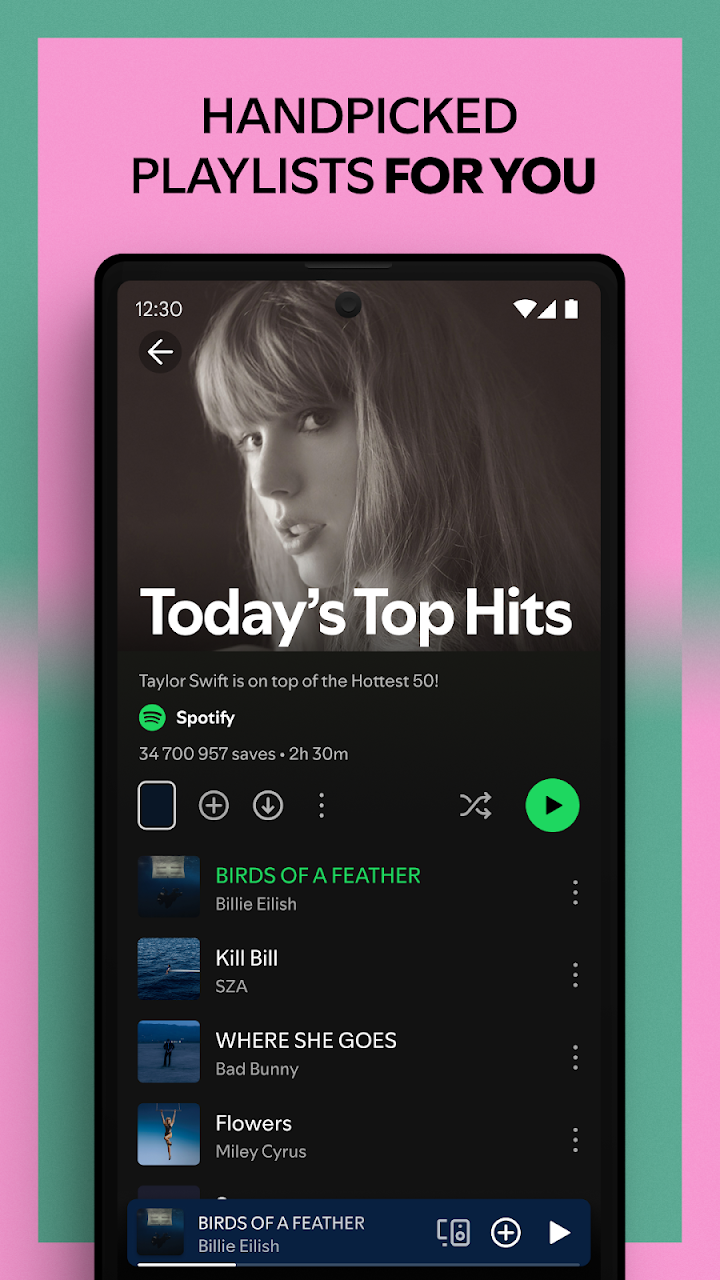
About Spotify: Music and Podcasts
Spotify is a streaming service that places a huge catalogue of music, podcasts and audiobooks in one app. The publisher describes more than 80 million songs, 4 million podcasts and over 300,000 audiobook titles, which means there is something for almost any mood or routine. This guide explains how the free version works, what you get with Premium and how to discover music more easily.
Listening for free
You can stream songs, albums and original podcasts on your phone or tablet without paying. The free tier is supported by advertising, and some features are limited, so you may not always be able to pick any single track on demand. It remains a good way to try the service, explore genres and build your first playlists before deciding on a subscription.
What Premium adds
According to the publisher, a Premium subscription lets you download music and listen offline. That is the main reason people upgrade: commuting through areas with weak signal, travelling or saving mobile data. Pricing and plan options vary by country and change from time to time, so check the current details inside the app instead of relying on any page that lists a fixed price.
Discovering music and podcasts
Spotify is strong at personal recommendations. Daily mixes are generated from your listening history and give you a fresh set of songs each day. You can explore top tracks by genre, country or decade, follow favourite artists to hear about new releases and look through curated playlists for workouts, study sessions, sleep or cooking. The search tool can even find a song if you type a lyric you remember, which helps when you cannot recall the title.
Playlists and sharing
Creating playlists is simple, and you can share them with friends or follow public ones. Collaborative playlists are ideal for road trips and parties. Subscribing to a podcast keeps new episodes in one place so you never miss one.
Who will enjoy it
Spotify suits music lovers who want recommendations, people who enjoy podcasts, commuters and students who listen while studying. If you only listen to a small collection of purchased albums, a local music player may be enough.
Tips for better use
Use the data saver setting if you stream on mobile data. Choose a sound quality that balances clarity and data use. Create separate playlists for different moods so that recommendations stay useful. If you share your account or device with children, look into the options for filtering explicit content.
Safety note
Be careful with websites or apps that promise a free modified Premium version. They are not official, they break the service terms and they often carry malware or steal account details.
Before you download
AppKhojo does not host the installation file. The Download button directs you to the official Google Play listing, where you can check the version, permissions and ratings. The app is free to install, and optional paid plans are offered inside it.
The verdict
Spotify is a polished way to listen to music, podcasts and audiobooks. The free tier is a fair introduction, and Premium makes sense mainly if you want offline listening and fewer interruptions.