


Why Your Phone Gets Hot While Gaming: Graphics Presets, Frame Rates and Battery
Phone hot or lagging during games? Learn how graphics presets, frame-rate limits, brightness and cooling habits affect performance and battery on Android.

by XSGames
View on Google Play Opens the official store page in a new tabRating, installs and size come from the store listing at the time we wrote this page and can change. Check Google Play for current details.
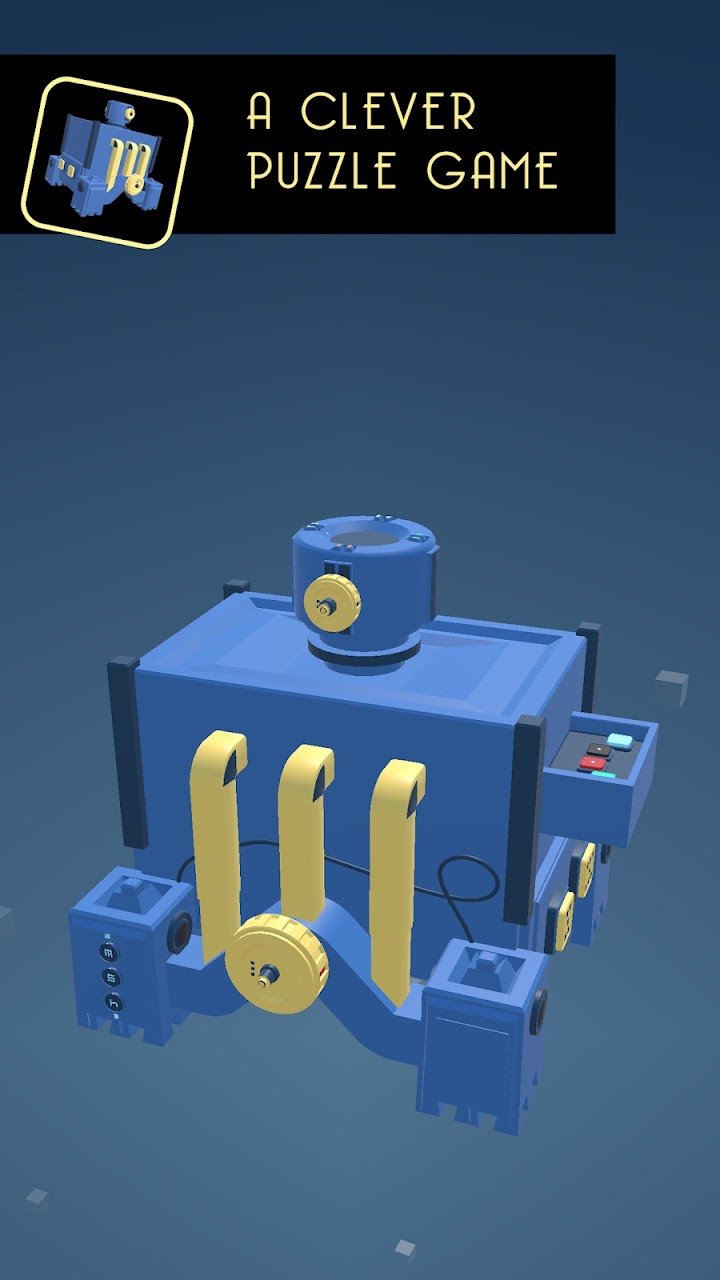
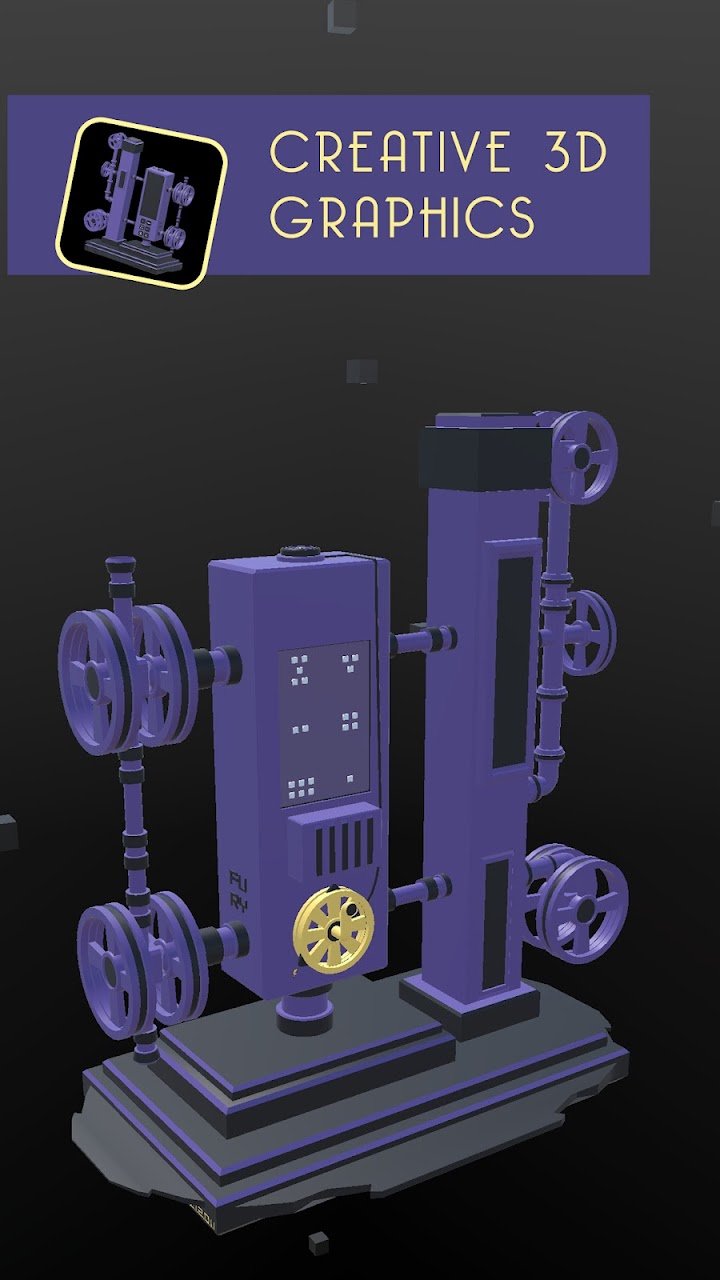
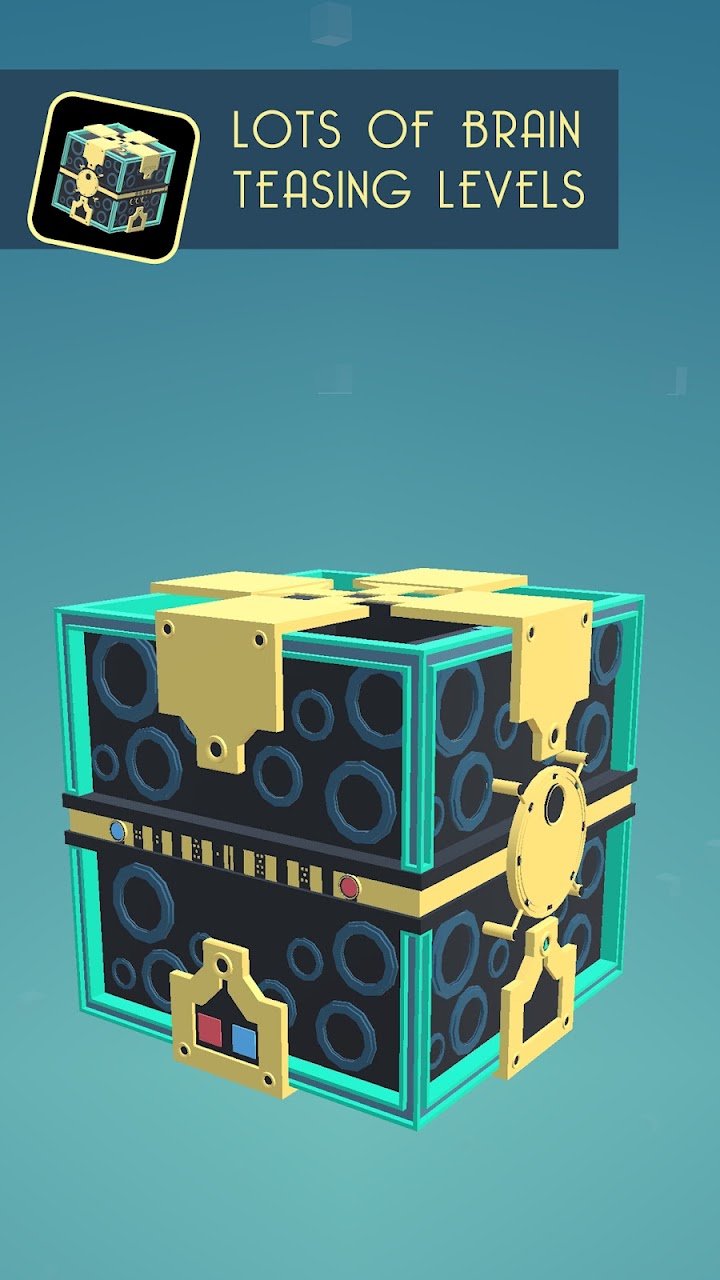
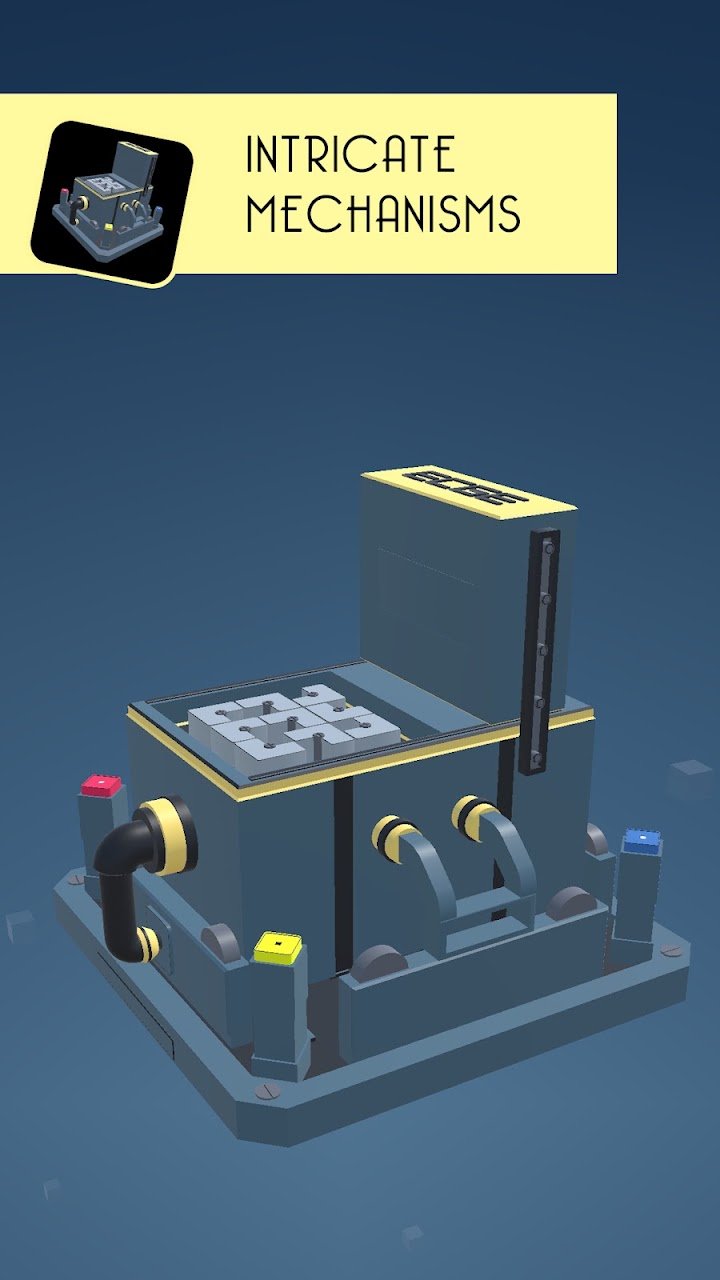
Tiny Machinery starts from an uncomfortable premise: you have been kidnapped by unknown scientists, and your brain is plugged into a machine that sends you into a virtual dimension full of strange mechanisms. XSGames, an independent solo studio from Italy, built the game as a 3D puzzle experience in which every level is a single machine you must understand before it will open.
Each level works like a small escape room. You press buttons, pull levers and turn little wheels to learn how the machine behaves and what has to happen to release it. The publisher describes original puzzles and intricate mechanisms rather than repeated templates. Because the machines are three-dimensional, you can look at them from different angles and spot details that are invisible from the front.
The game uses creative 3D graphics with a distinctive art style and atmospheric audio, and the publisher recommends headphones. Sound can also be a clue: clicks and mechanical noises may tell you that something has moved into place.
Each completed level unlocks a new paragraph of story, revealing how your kidnappers have threatened you and how it ends. This gives a narrative reward for finishing puzzles without turning the game into a long cutscene collection.
The first four levels are free, and a small in-app purchase unlocks the rest. A bulb button offers hints if you are stuck. The price differs between regions, so look up the current figure on the store page.
Study the whole machine before touching anything. Press every button and move every lever once to see what changes and which parts react. Look for patterns in symbols, colours or numbers. Try operations in different orders, since sequence often matters. Rotate the view to look for hidden switches or markings. If nothing works, step away for a while, because fresh eyes often notice what you missed. Use hints sparingly, and when you do use one, try to understand the logic behind it so you can solve later levels on your own.
Puzzle fans, escape-room enthusiasts and people who enjoy mechanical riddles. It is not built for fast action or competition. Sessions can be short, though some levels take longer if you enjoy careful experimenting.
The premise involves a kidnapping, but the game is described as a puzzle adventure; check the age rating on the store page if you are choosing for younger players. The store shows 10K+ installs and a 4.2 rating at the time of writing, suggesting positive feedback from a modest audience.
A clever, atmospheric puzzle game with tactile mechanisms and a light story, a good choice for players who like working out how machines behave.
More games in a similar style
Read before you install or spend

Phone hot or lagging during games? Learn how graphics presets, frame-rate limits, brightness and cooling habits affect performance and battery on Android.

A star rating is not a verdict. Learn how to read Play Store ratings, install ranges and recent reviews together so you can judge an Android game before you download.

New to roguelikes on Android? Learn how runs, random upgrades and permanent progression work in card, shooter and puzzle roguelikes, with beginner habits that help.