
- Developer
- Google LLC
- Installs
- 10B+
- Downloads
- 11
- Views
- 28
- Updated
- Oct 25, 2026
Screenshots


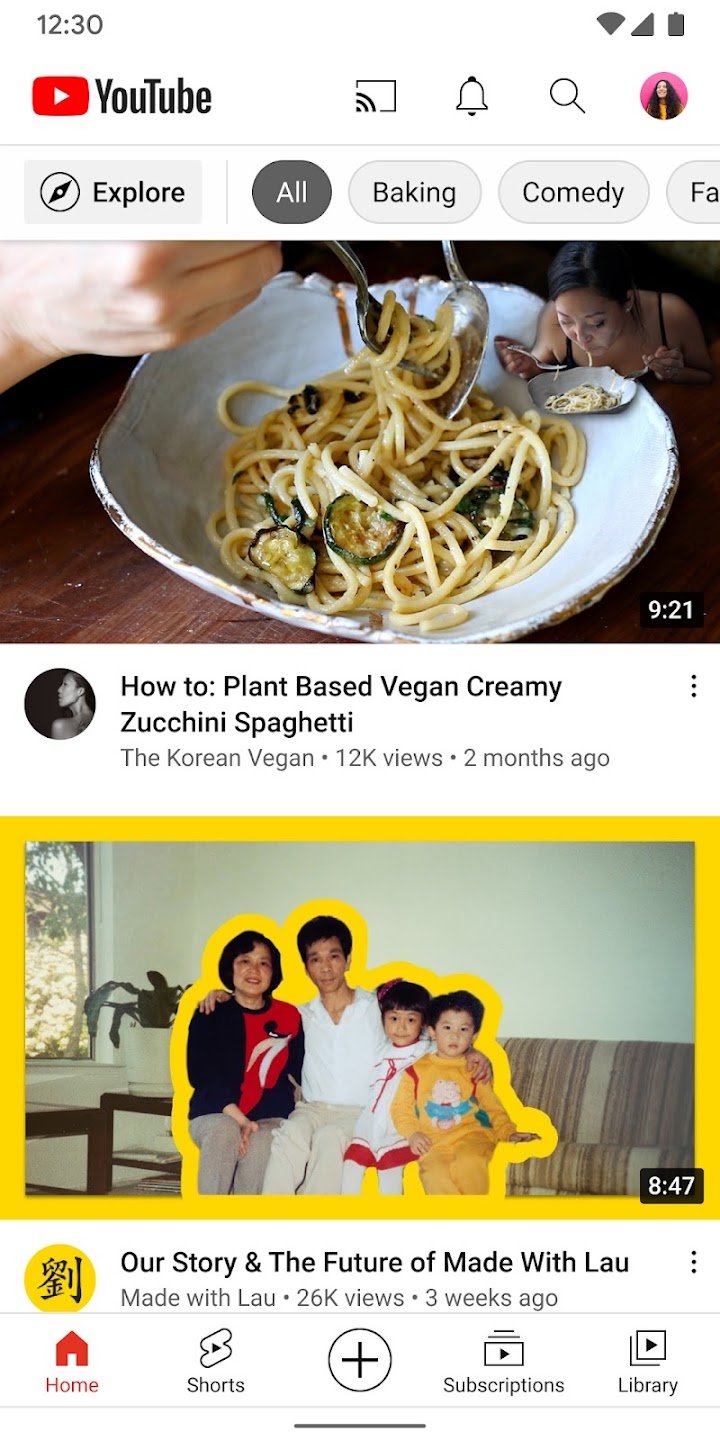
About YouTube
YouTube is the official video app from Google, and for many people it works as a music player, a learning platform, a news source and an entertainment channel all at once. The Android app is built to let you watch, subscribe, save and create without leaving your phone. This page explains the main sections and shows how to use them effectively.
Finding and watching videos
The Home tab shows personal recommendations based on what you have watched and liked. The Subscriptions tab collects the latest uploads from channels you follow, which is the best way to avoid missing a favourite creator. The Library is where you find your history, liked videos and items saved for later, making it simple to return to a tutorial or a long documentary when you have time. Explore points to what is popular and trending in categories such as music, gaming, fashion, beauty, news and learning, and the publisher notes that some of this is available only in selected countries.
Community features
YouTube is also a place for conversation. You can follow creators through Posts, Stories, Premieres and live streams, and join discussions in the comments. Premieres are scheduled video releases that viewers can watch together, which makes launches feel like events.
Creating your own content
The app lets you record or upload videos straight from your phone and go live to engage with an audience in real time. This is helpful for people starting a channel because everything from filming to publishing can be done in one place. If you plan to build a channel, consistent uploads, clear titles and honest thumbnails matter more than expensive equipment.
Best suited to
YouTube suits almost everyone: students looking for lessons, home cooks following recipes, repair hobbyists, music listeners, gamers and anyone who wants entertainment. Parents may prefer to look at the options available for younger viewers and to set supervision where appropriate.
Tips for better use
Use playlists to organise learning content. Turn on reminders for channels you really care about and switch off notifications for the rest. Set a break reminder or bedtime reminder in the settings if you tend to watch for hours. Check the quality setting if you are on limited mobile data, and use download options where available for offline viewing. Remember that advice videos, particularly about health or money, are no substitute for professional guidance, so check claims against reliable sources.
Safety and privacy
Review your watch history and ad personalisation settings in your Google account. Be cautious about links in descriptions that promise free software, game cheats or prizes, since these frequently lead to unsafe websites.
Where to get it
AppKhojo does not host the app file. The Download button directs you to the official Google Play page where you can verify the current version and read reviews. The app is free to install, and Google may offer paid options inside it that remove ads or add extras. Install only from the official source to avoid modified versions.
Final thoughts
The YouTube app remains one of the most versatile apps on Android. Used with a few settings that protect your time and privacy, it is a reliable place to learn, relax and create.