

- Developer
- Meta Platforms, Inc.
- Installs
- 10B+
- Downloads
- 9
- Views
- 29
- Updated
- Oct 25, 2026
Screenshots


About Facebook
Facebook is one of the longest-running social networks in the world, and the Android app packs a wide mix of tools into a single place: a personalised Feed, community Groups, a local buying and selling Marketplace, short Reels, messaging and calling. If you want to know which parts are genuinely useful and how to keep your account safe, this guide walks through them.
Feed and friends
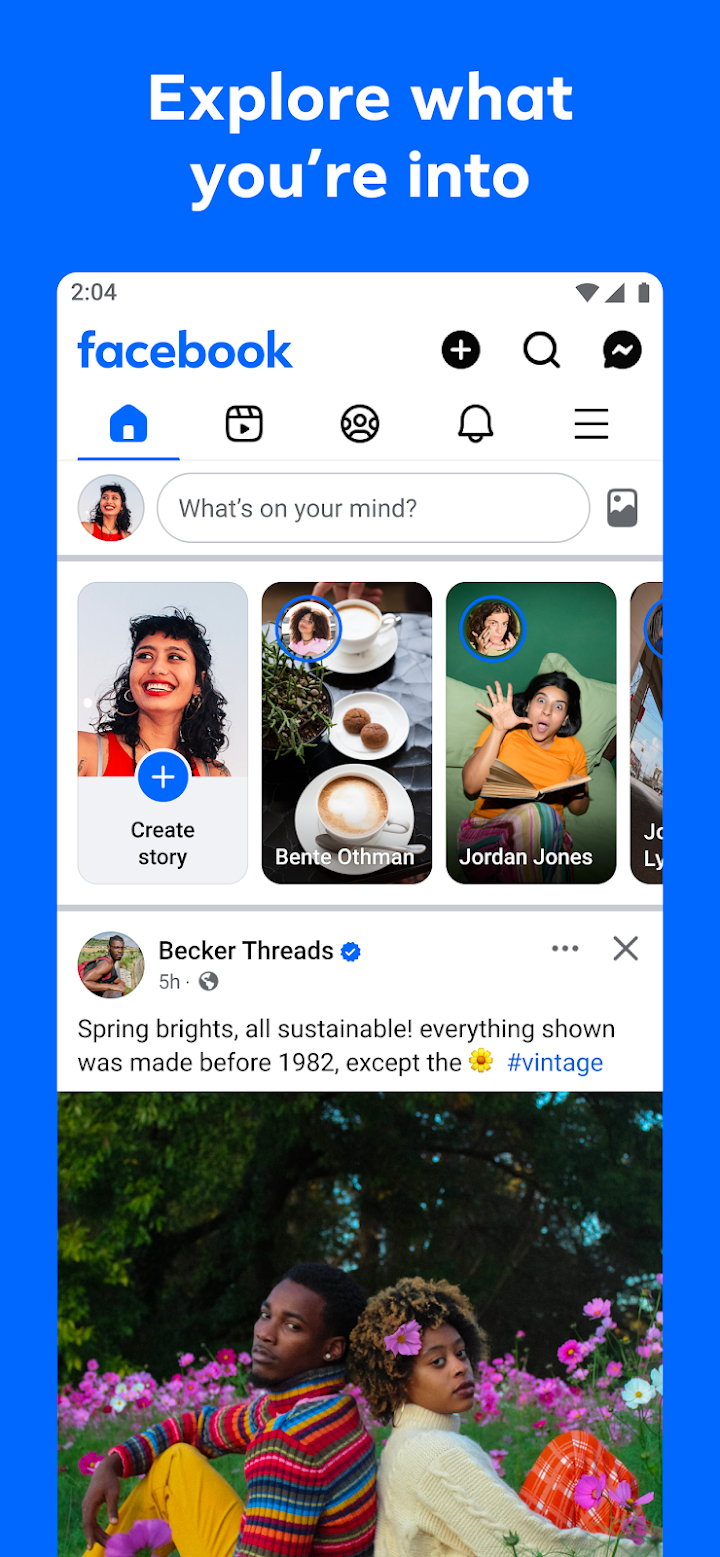
The Feed shows posts from friends, pages and communities you follow, and you can personalise it so that you see more of what you like and less of what you do not. You can add friends and decide how closely you keep up with each one, which helps if your friend list has grown large. Profiles can be customised so you control how you appear and who is able to see your posts.
Groups and communities
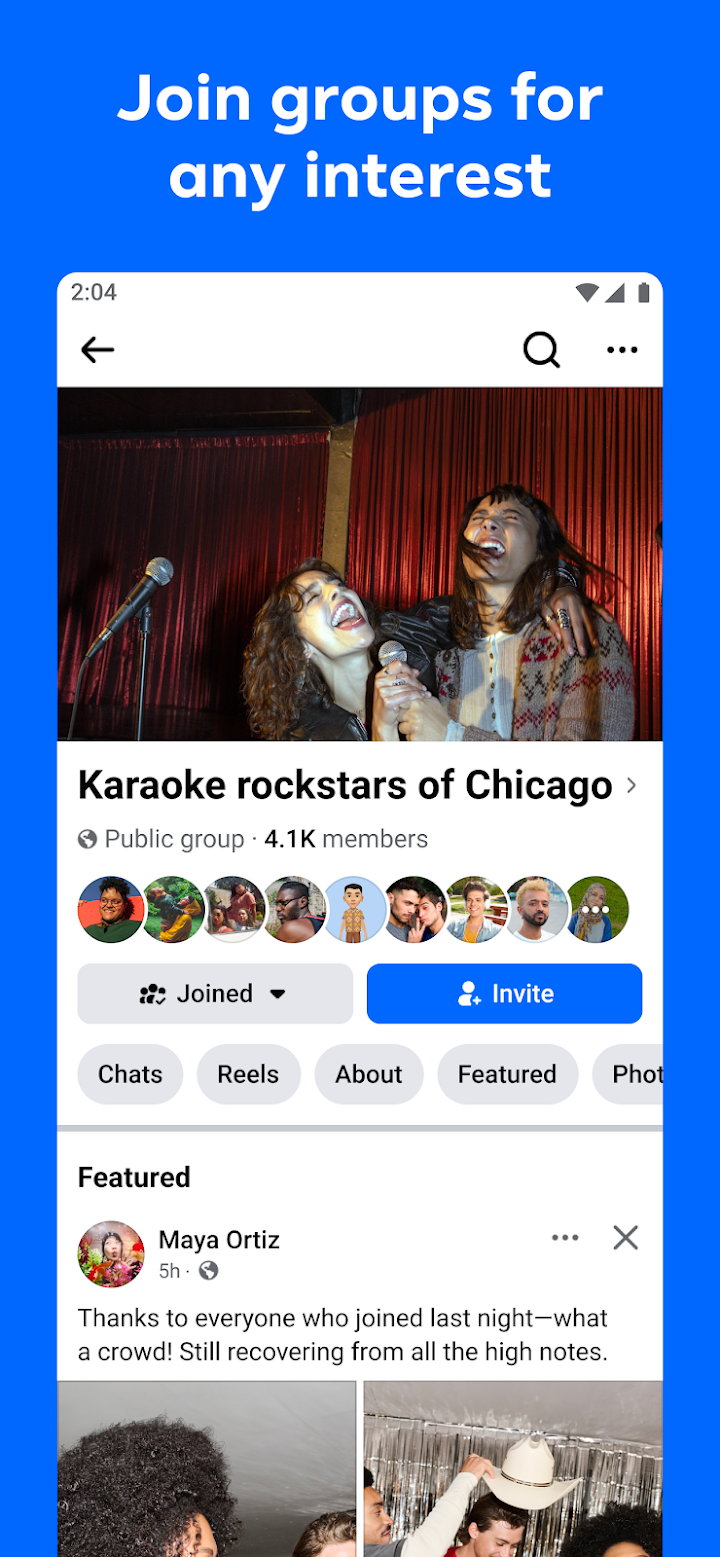
Groups are often the most valuable part of Facebook. There are groups for hobbies, parenting, local neighbourhoods, cooking, gardening, small business owners and countless other topics. The publisher highlights learning tips from people who have already tried something, and that matches how many people use them: asking a question and getting practical answers from members. Active groups usually have rules, so read them before posting.
Marketplace and shopping
Marketplace lets you browse items listed by people nearby and sell things you no longer need. It is useful for furniture, electronics, clothing and hobby gear. As with any peer-to-peer trade, meet in a public place, inspect the item before paying and be wary of buyers or sellers who ask for advance payments or move the conversation off the platform.
Reels, AI and calls
Reels are short videos tailored to your interests, and you can create your own with templates and editing tools. The app also includes Meta AI, which can answer questions, along with generative tools for stickers and images. You can send private messages and make video and voice calls to catch up with people.
Is it right for you?
Facebook is a good fit if you belong to community groups, want to reconnect with relatives and former classmates, run a small business page or buy and sell locally. If you prefer a quiet, private messaging experience, a dedicated chat app may be simpler.
Privacy and safety
Use the Privacy Checkup tool to review who can see your posts, who can send friend requests and which apps have access to your account. Turn on two-factor authentication, use a unique password and be careful with quizzes or links that ask you to log in again. Treat unexpected messages from friends asking for money as suspicious, because hacked accounts are commonly used for scams. Reduce notifications if the app takes too much of your attention.
Install it from the official page
No installer is hosted on AppKhojo. The Download button sends you to the official Google Play listing so that you can check the current version, permissions and reviews. The app is free to install. Avoid third-party copies, since modified packages are a common way for attackers to steal credentials.
Our summary
Facebook is a large, feature-rich platform whose value depends on how you use it. Focusing on groups, family and Marketplace while keeping privacy settings tight can make it a practical everyday tool.