

- Developer
- Installs
- 5B+
- Downloads
- 8
- Views
- 22
- Updated
- Oct 25, 2026
Screenshots


About Instagram
Instagram is a photo and video sharing network from Meta that mixes personal updates with creator content, short videos and small-business shopping. People use it to keep up with friends, follow hobbies and communities, and sometimes to build an audience of their own. This overview covers what the Android app offers, how its main areas differ and what to consider before you install it.
The main areas of the app
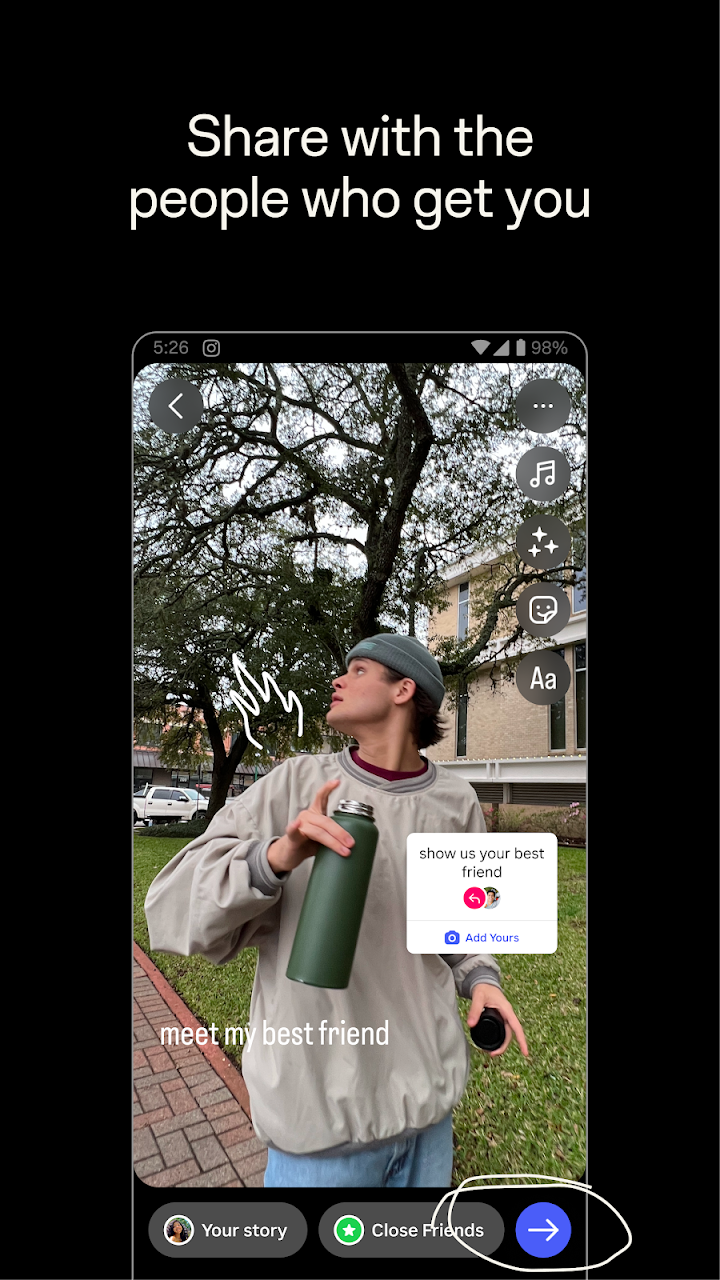
The Feed is where posts from accounts you follow appear, and it is the place most people use for lasting memories such as trips or events. Stories are different: photos and short clips that disappear after 24 hours, which makes them feel lighter and more casual. Notes are brief text updates that also disappear after a day and show up for the people you choose.
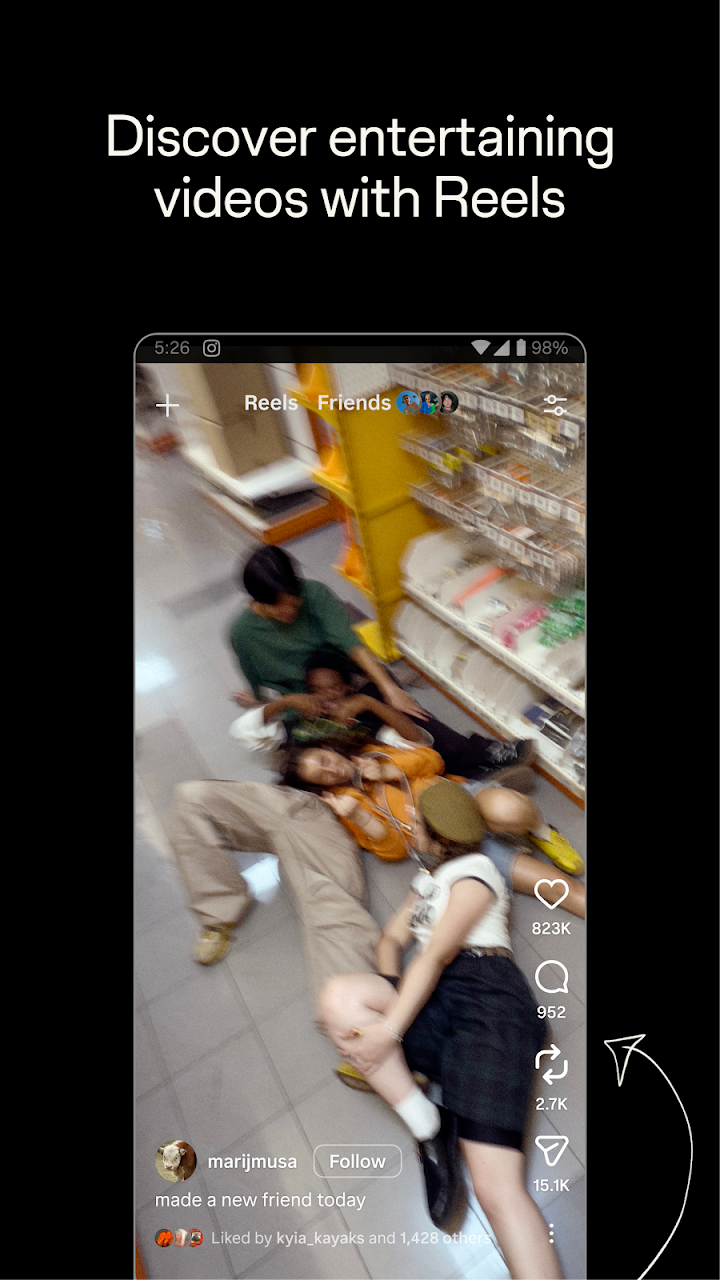
Reels are the short, entertaining videos that turn everyday clips into small productions. You can add music, templates, stickers and filters, and you can also simply watch videos from creators you enjoy. The Explore area surfaces photos and videos from accounts you do not follow yet, based on your interests, which is how many people discover new creators, recipes, travel ideas or fashion.
Connecting with people
You can start group chats with friends and share more private moments with a Close Friends list, so that certain posts reach only the people you pick. That feature is useful if you want to share family photos without making them visible to every follower. The app also lets you discover brands and small businesses and browse products related to your tastes.
Who should try it
Instagram works well for visual people: photographers, travellers, home cooks, artists, small shop owners and anyone who enjoys short video. If you prefer long text discussions or purely private messaging, other apps may fit better.
Using it in a healthier way
Because the Feed, Reels and Explore are personalised, it is easy to spend more time than planned. Setting a daily time reminder in your device settings, muting accounts that make you feel worse and turning off non-essential notifications can help. Consider making your account private if you only want people you approve to see your posts, and review who can message you and tag you.
Safety points worth knowing
Be careful with messages that promise free followers, giveaways or account verification in exchange for your password. Instagram will never need your password sent by chat. Use a strong, unique password and enable two-factor authentication. Parents of teenagers should look at the supervision and privacy options available in the app settings and talk openly about what is shared online.
Some features differ by country or region, so you may not see everything described by the publisher.
Getting the app safely
AppKhojo does not host any installation files. The Download button takes you to the official Google Play page, where you can check the latest version, requested permissions and user reviews. Installing from the official listing protects you from modified copies that can steal login details. The app is free to download, although creators and businesses may promote content inside it.
In short
Instagram is a flexible, visually focused platform. Used with sensible privacy settings and a little self-control, it is a good way to follow interests, stay in touch and enjoy creative content.